Select your photo
Select a portrait. The editor processes your image in the browser; Magic Cut loads a remote model without uploading your photo.
 BMBrick
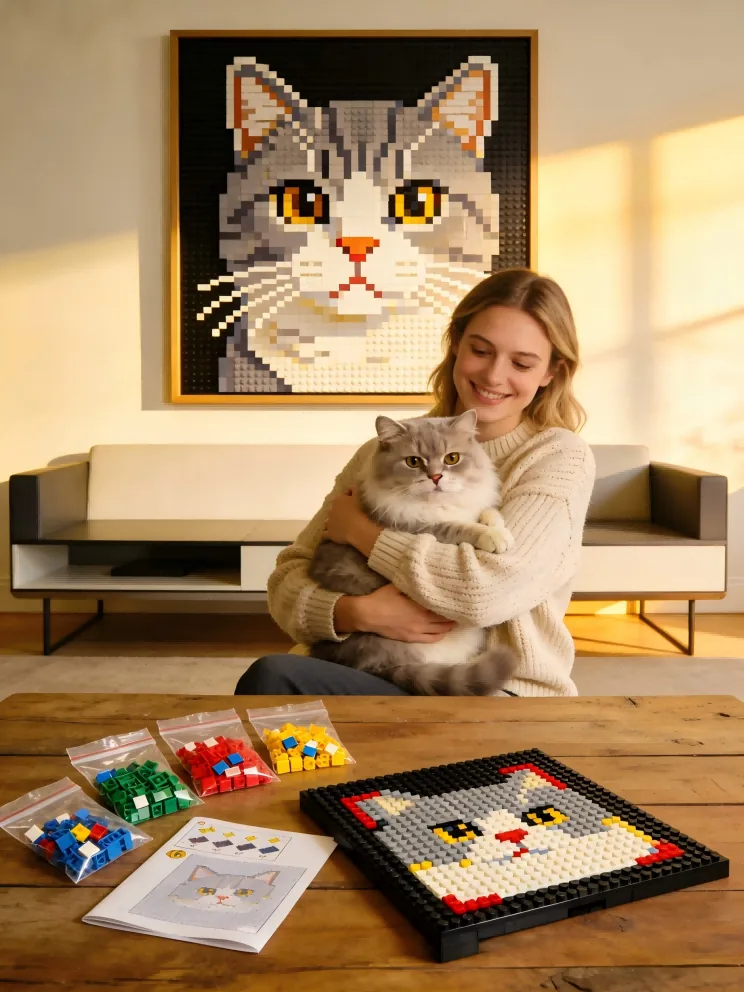
Select any photo to generate a custom mosaic preview and PDF blueprint. Browser-side processing: your photos stay on your device.
Select a portrait. The editor processes your image in the browser; Magic Cut loads a remote model without uploading your photo.
Drag and zoom for the right crop. Use Magic Cut to isolate the subject and preview skipped-background brick savings.
Download PDF instructions, PAB CSV/JSON, Webrick files or notes, BrickLink XML, and a structure BOM.
Deep dives into part sourcing, color theory, and advanced mosaic techniques from our master builders.
Learn how to capture fur textures and pet personalities in bricks. Tips for cats, dogs, and more.
Read Pet GuideThe Class of 2026 deserves a unique tribute. Turn graduation photos into premium art.
Get Gift IdeasShould you buy official parts directly or hunt for deals on secondary markets? We compare everything for custom mosaics.
Read Expert GuideCompare official Pick a Brick, compatible Webrick pricing, and seller-dependent BrickLink sourcing with current catalog facts.
Compare SourcesCompare common square mosaic sizes with exact piece counts, LEGO costs, Webrick costs, and build effort.
Compare SizesThe no-nonsense guide to choosing the right foundation. Learn why we recommend Technic plates over thin baseplates.
Get Hardware GuideA deep dive into the official 2026 color palette. Learn how to use rare shades to make your mosaic stand out.
See Color PaletteContrast, lighting, and focal points. A 5-minute read that will save you hours of rebuilding.
Read Photo TipsDecoding the aesthetics of brick styles. Learn why square plates are best for portraits and round tiles for pop-art.
Compare StylesCompare 3024 and 98138 route facts, color counts, price ranges, and texture behavior before ordering parts.
Compare PartsExplore our evidence-based reasons to choose BMBrick. Premium color restoration, official PAB integration, and advanced AI.
Discover Our TechWhy a custom brick portrait is the most talked-about gift on the wedding registry.
See Gifting GuidePet portraits, couple gifts, wedding photos, and failure analysis — each with photo analysis, cost breakdown, and lessons learned.
Browse Case StudiesStart from the practical job: convert a photo, generate a parts list, export BrickLink XML, or plan a pet portrait.
Turn one photo into a mosaic preview, PDF blueprint, and route-aware parts estimate.
Convert a PhotoCompare size, material style, palette, and route output before buying parts.
Open GeneratorPlan sourceable 3024 and 98138 parts before you commit to a build.
Plan PartsUse a stable parts list to prepare marketplace sourcing and top-up orders.
Export XMLCheck eye readability, crop strength, Magic Cut cleanup, and route cost for pet mosaics.
Make Pet PortraitsBMBrick converts a selected photo into a custom LEGO-compatible mosaic plan. Use the interactive editor to drag, zoom, and pan for framing, then review route estimates and export build files. Privacy note: photo editing happens in your browser; Magic Cut loads a model but does not upload your image.
The app presents a limited-time $1 launch offer for the regular $9.90 digital blueprint unlock. Physical parts are separate, and BMBrick estimates cost from the current size, material style, palette, and sourcing route.
Yes. Pet portraits work best with a close face crop, readable eyes, and clear separation from the background. Magic Cut can help test whether removing low-value background improves both likeness and cost.
Yes, when the photo is readable and the deadline is realistic. A cap-and-gown portrait can become a buildable keepsake, and a digital blueprint can be easier to deliver than a rushed finished mosaic.
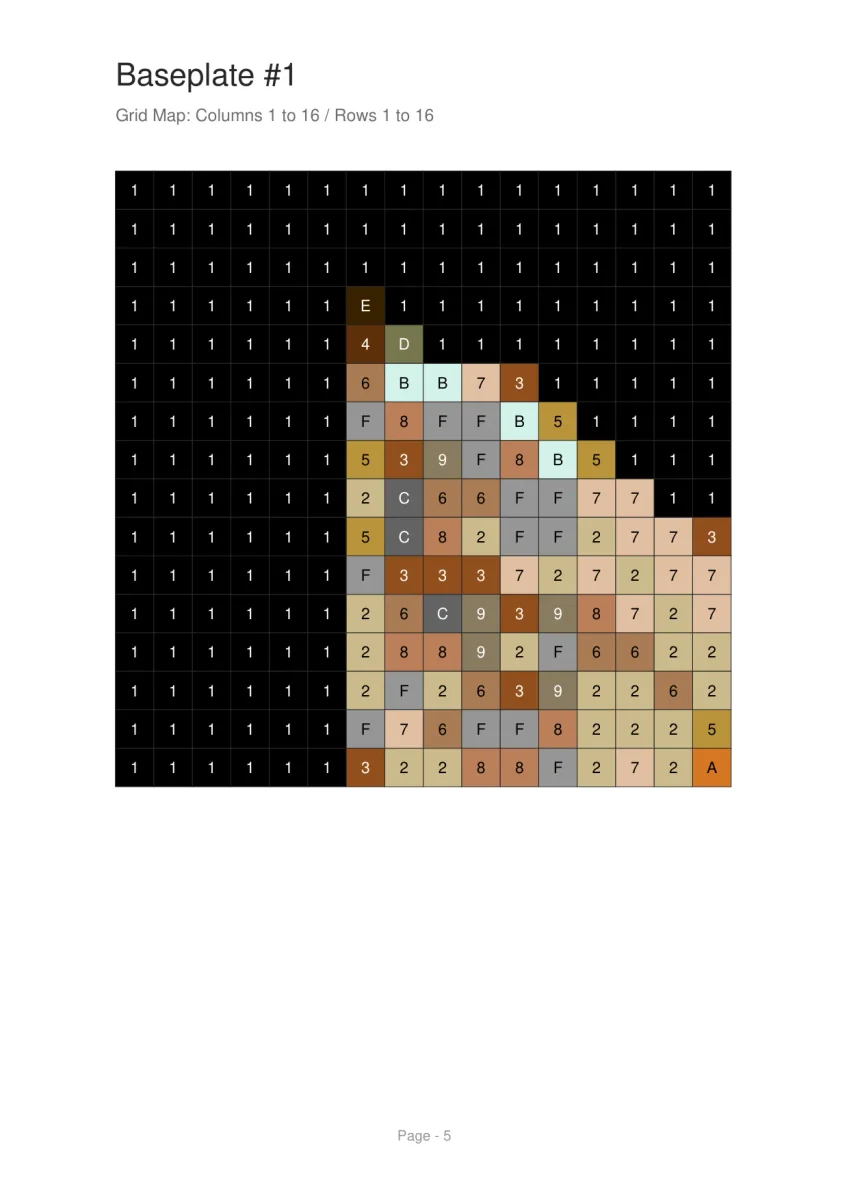
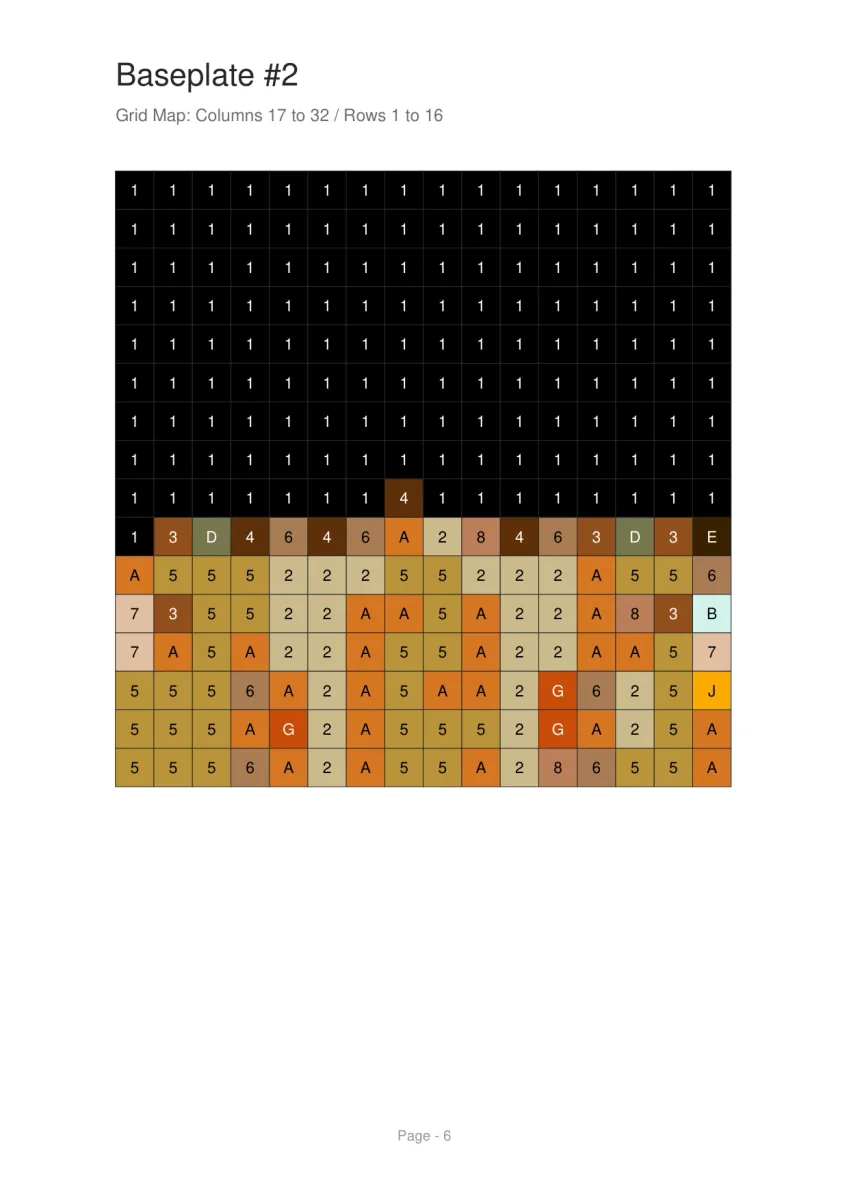
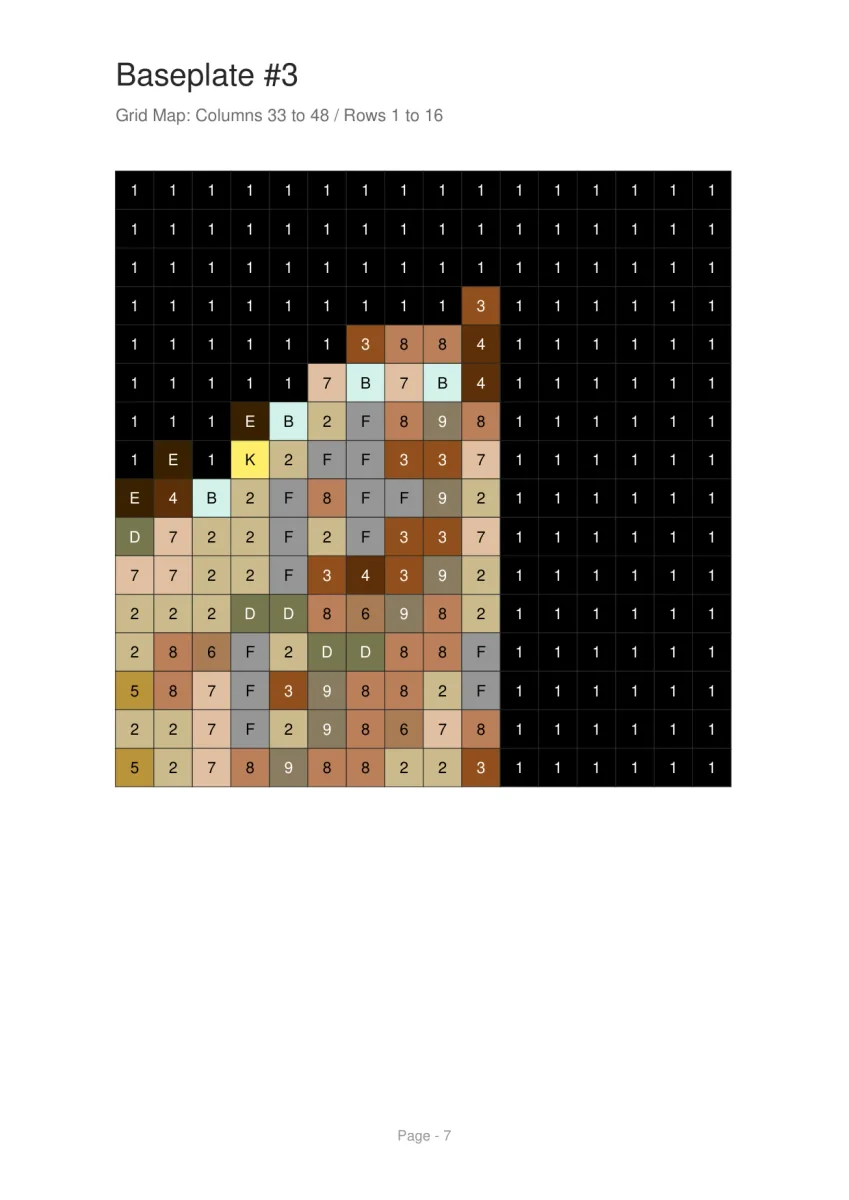
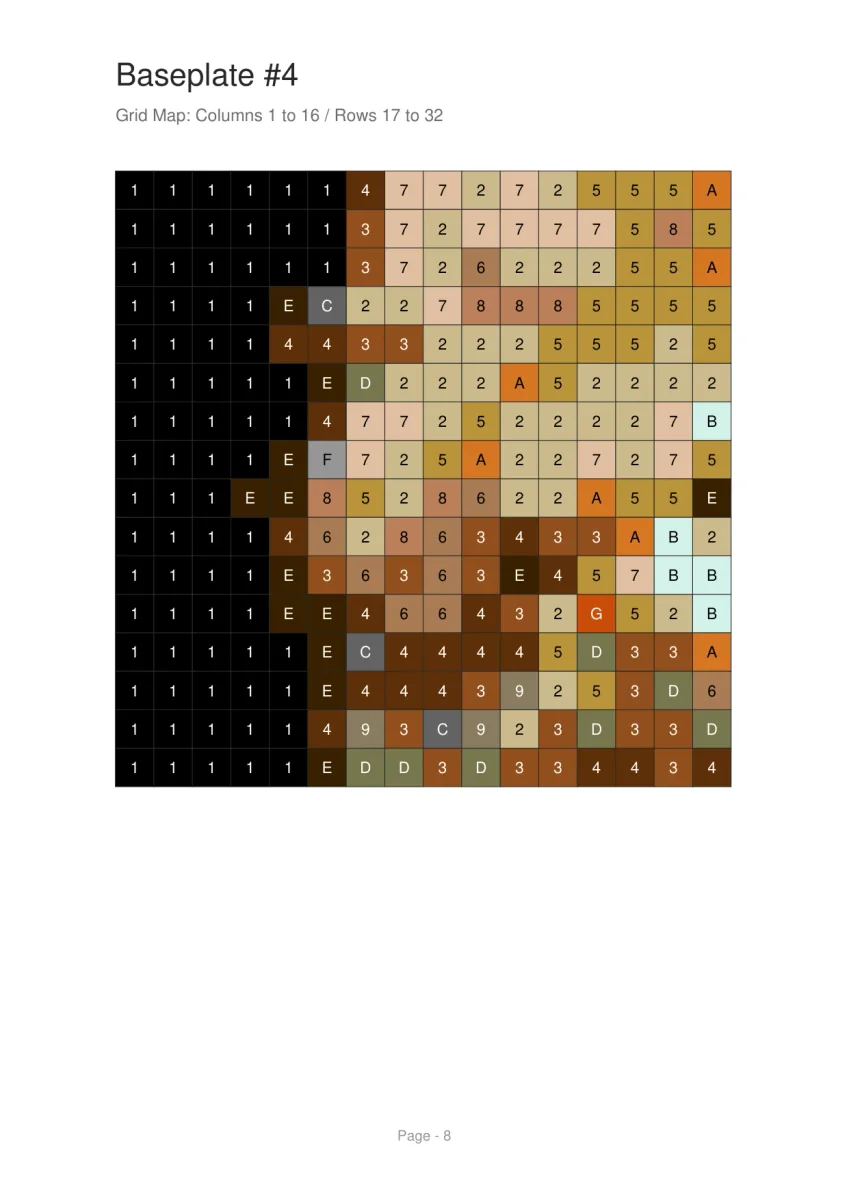
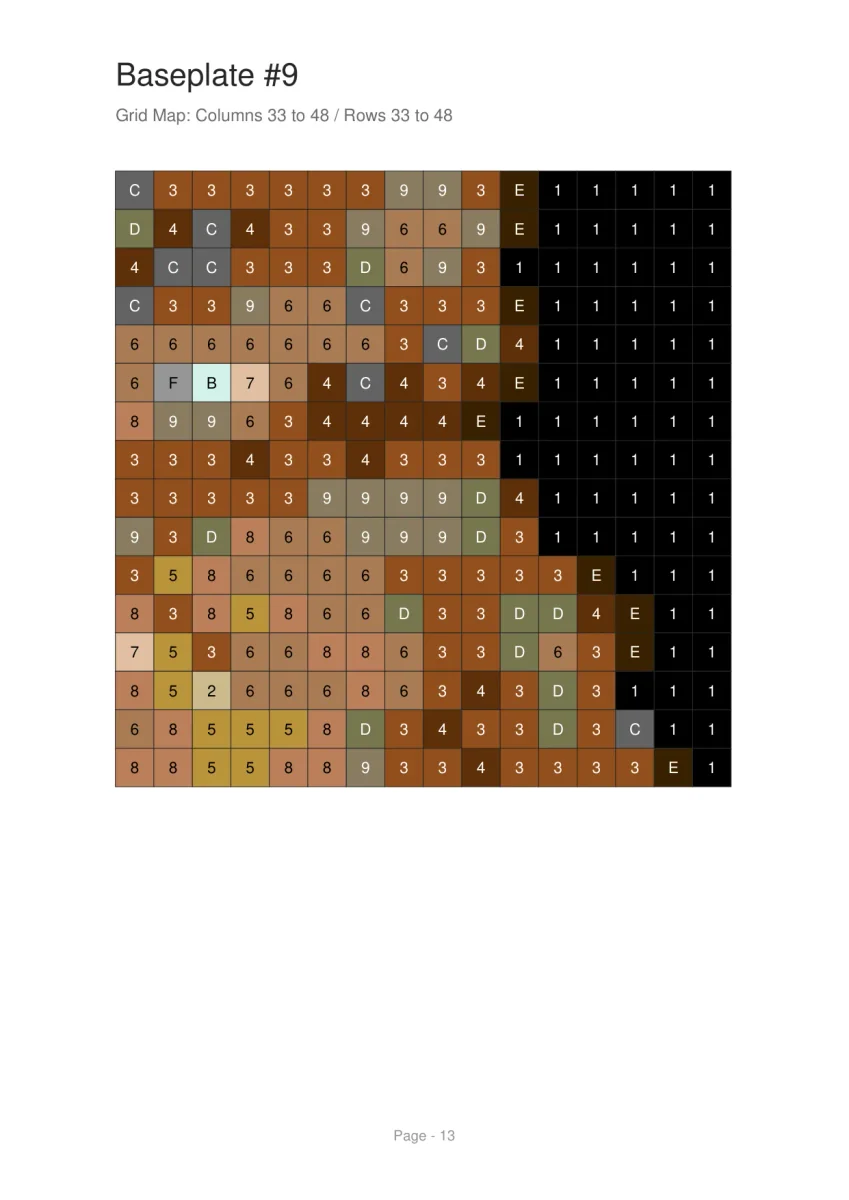
Build time depends on mosaic size, color count, and whether the background is built or skipped. The PDF export breaks the mosaic into smaller grid pages with a color legend to reduce placement mistakes.
High-contrast photos with clear subjects work best. Portraits, wedding photos, pets, and landscapes all produce beautiful results. Avoid low-resolution or busy-background photos.
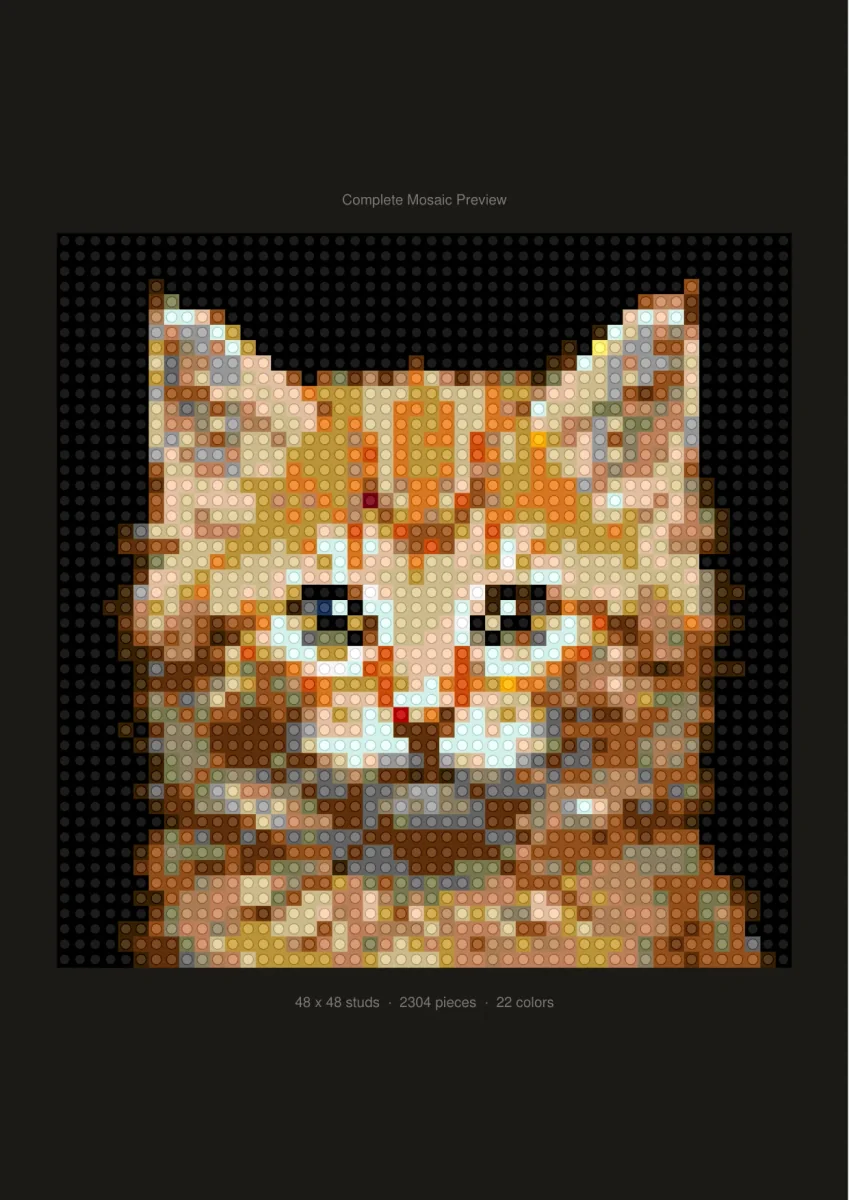
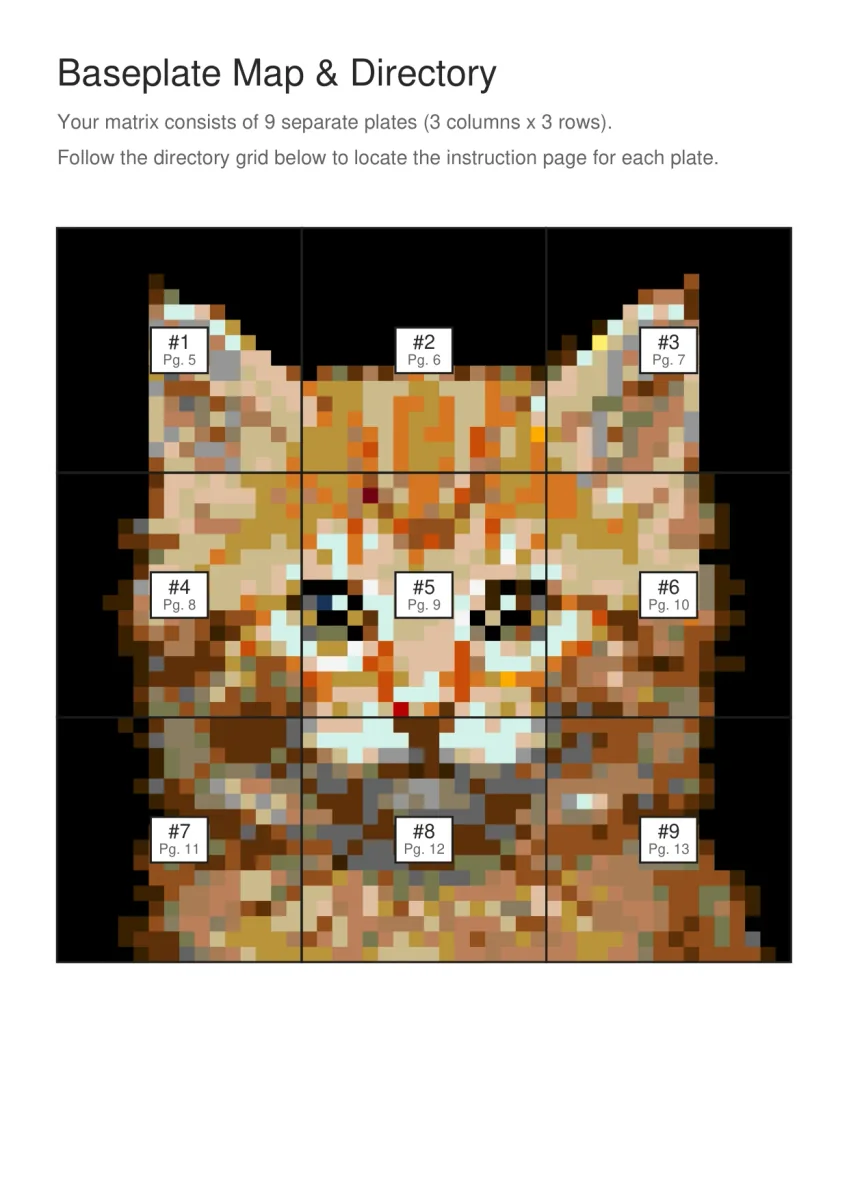
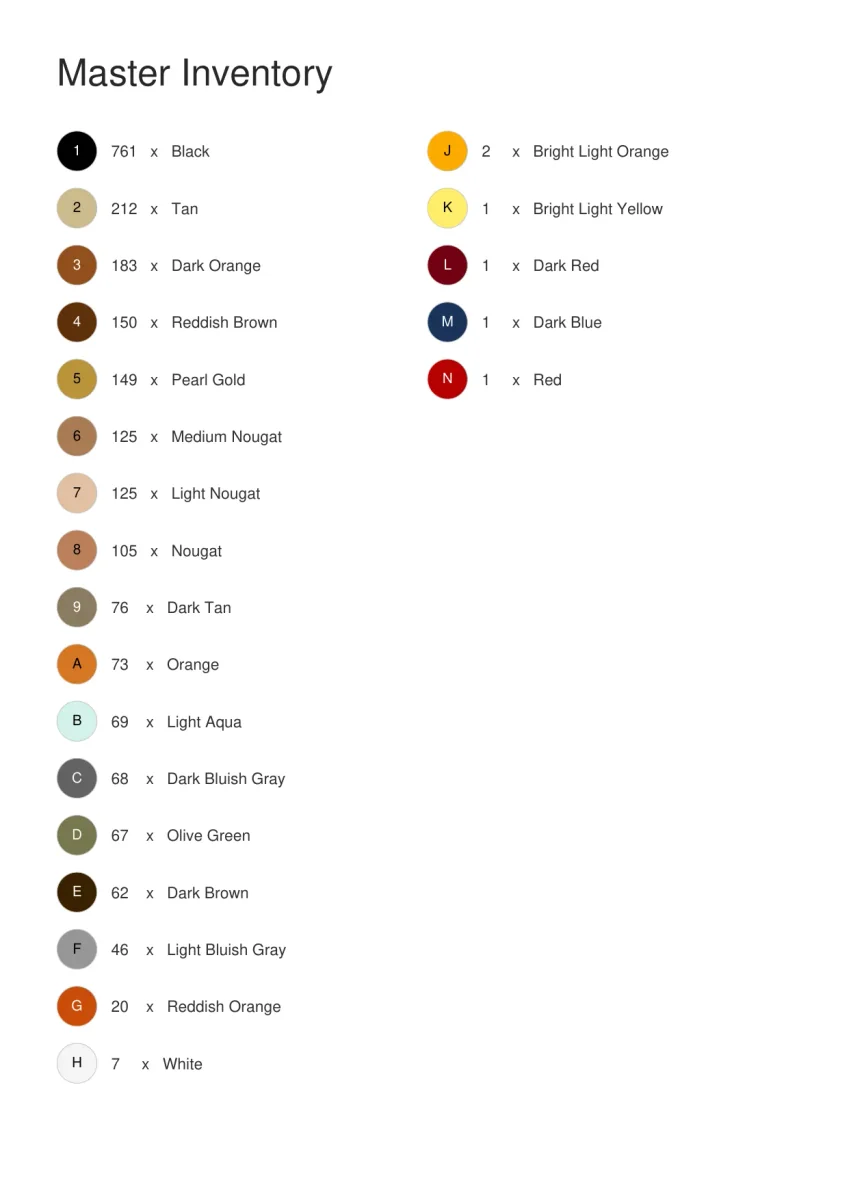
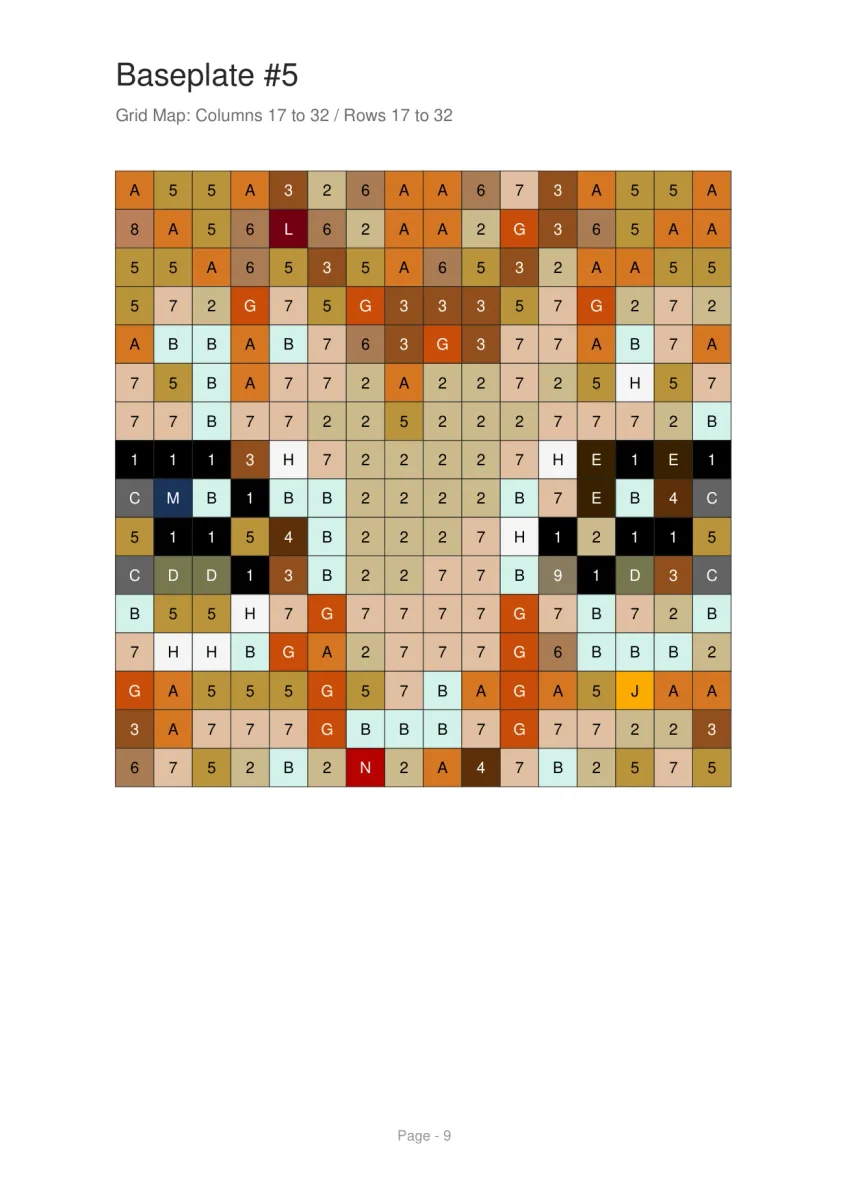
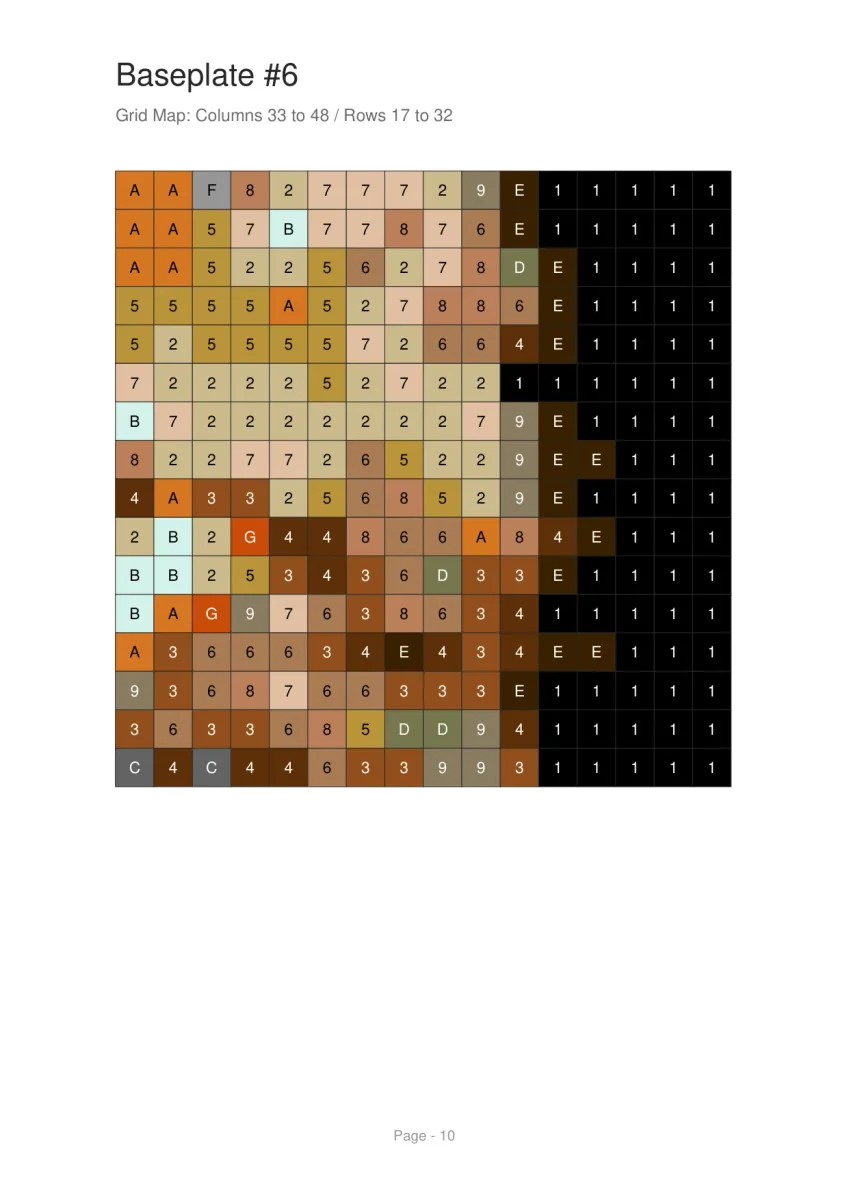
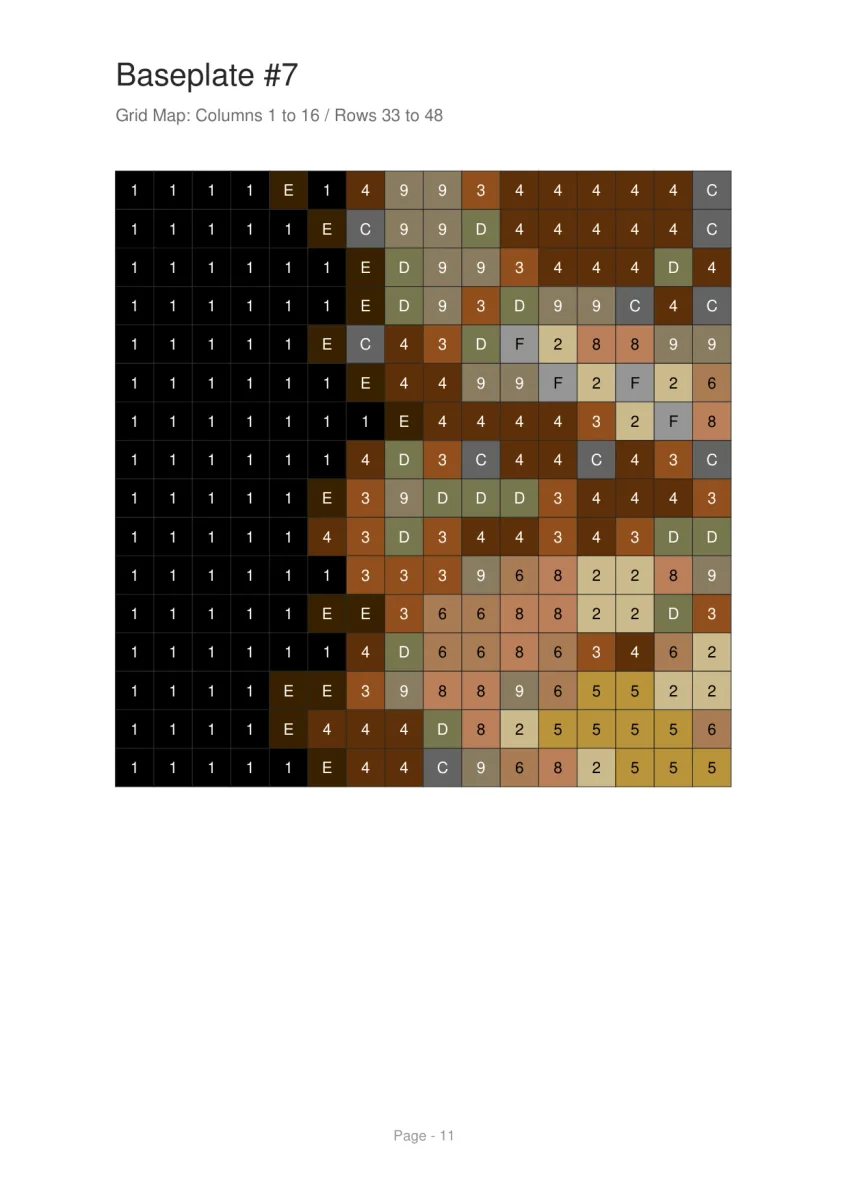
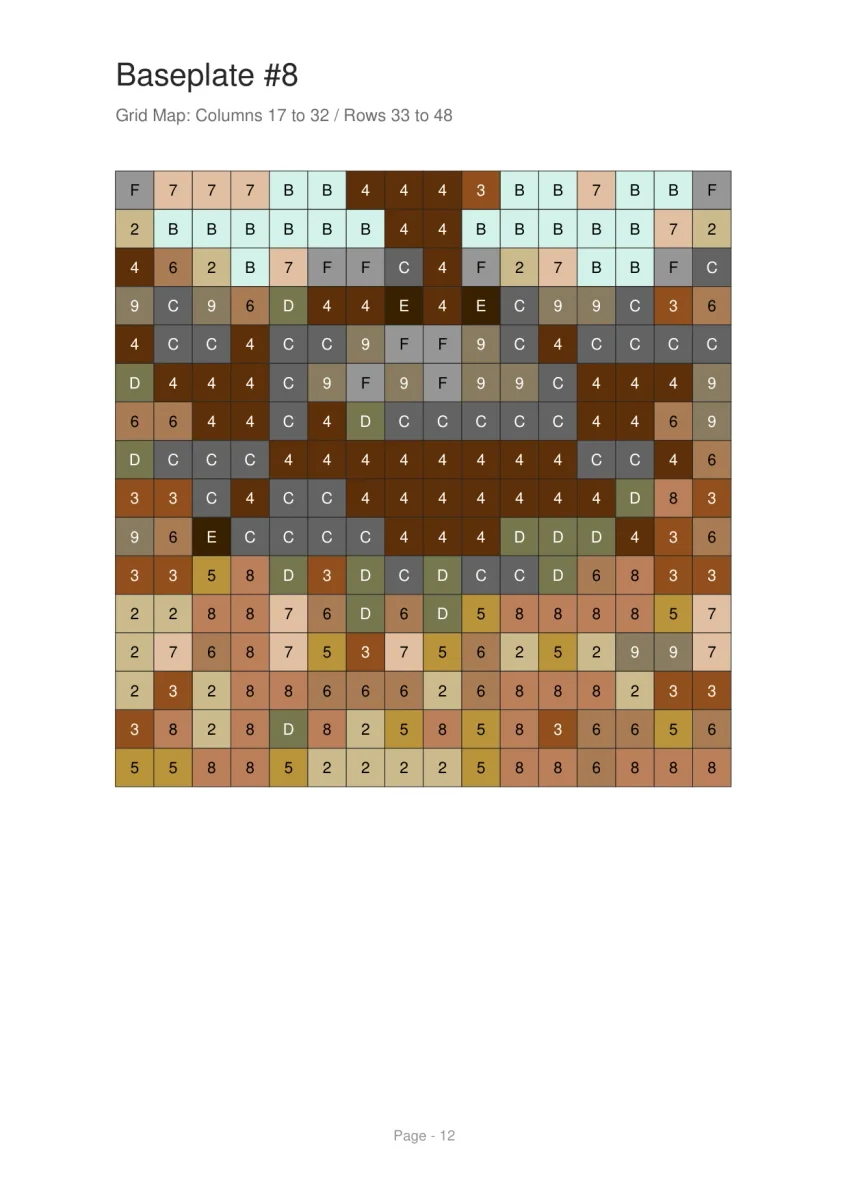
Wedding Photo at 96×64
Family Photo at 96×96
Dog Portrait at 48×48
Couple Photo at 64×48
Portrait Size Comparison
Cost Reduction: Background Removal