
Case Study — Workflow
BMBrick PDF Build Instructions: How to Read and Follow Them
A walkthrough of the BMBrick PDF output format — showing the row-by-row color grid, part index, placement guide, and the most effective way to build from the instructions without losing your place.
Result Gallery

Original source photo
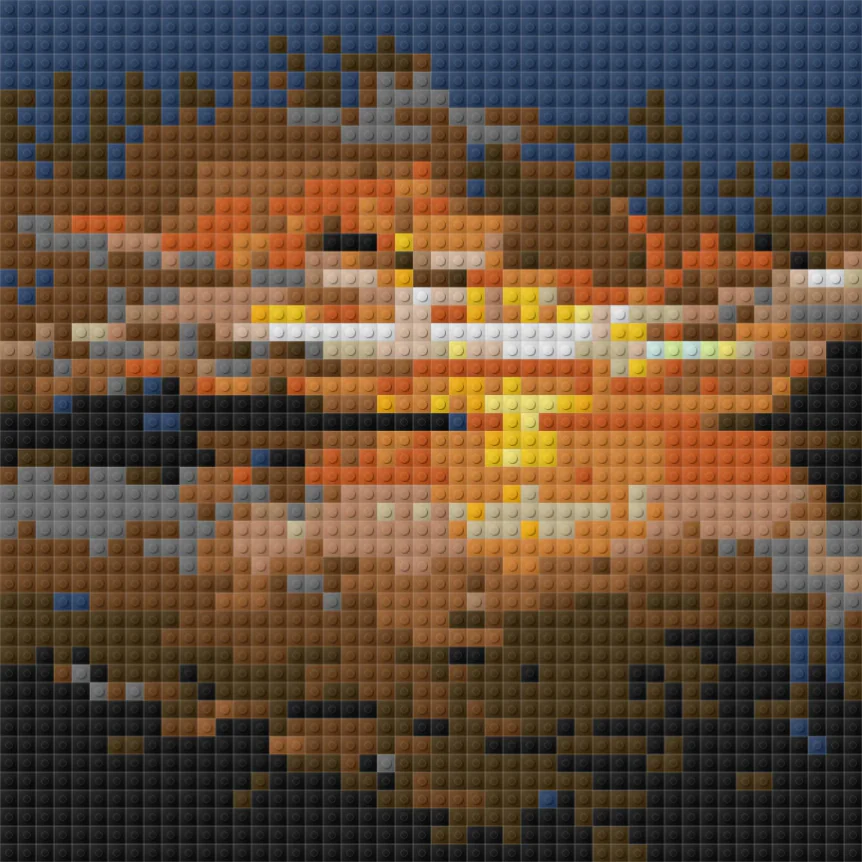
BMBrick mosaic preview
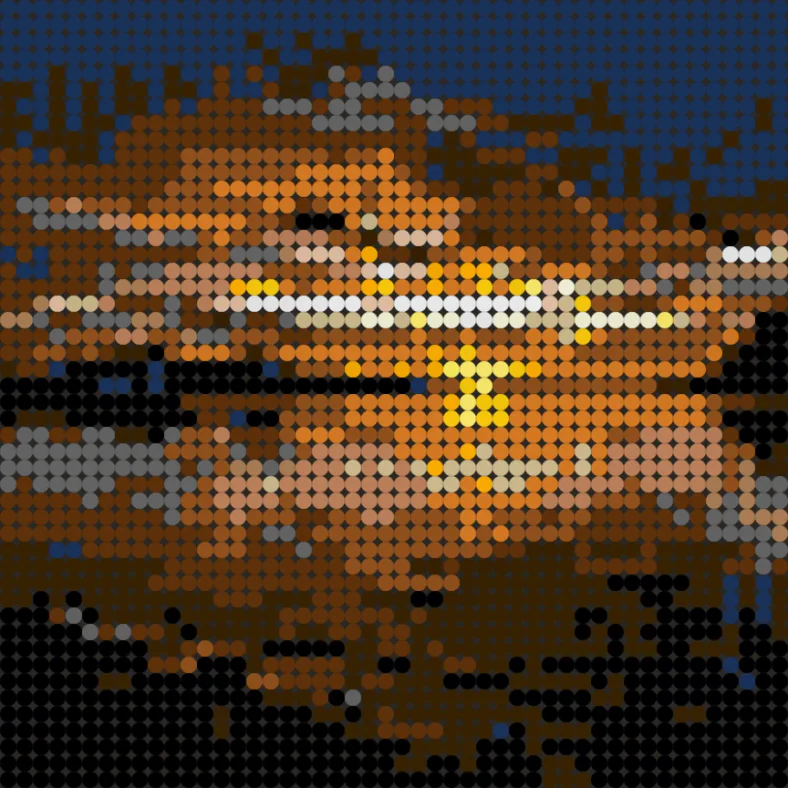
Round tiles preview
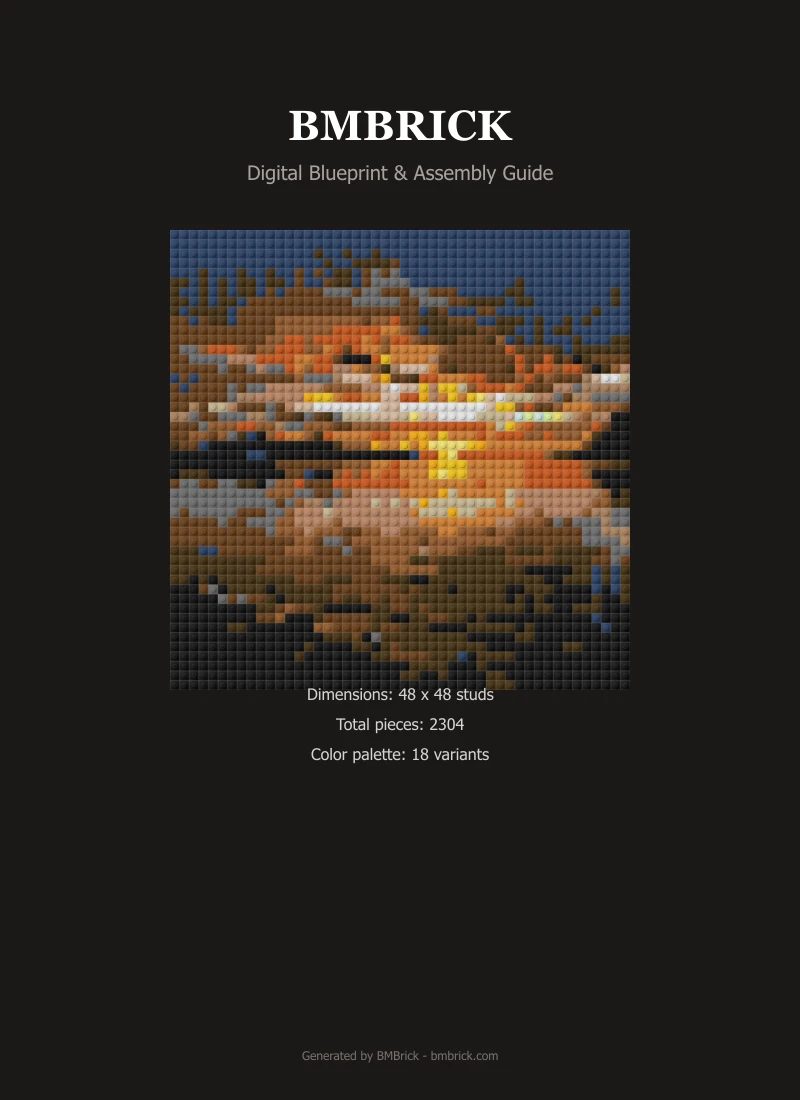
PDF instruction excerpt
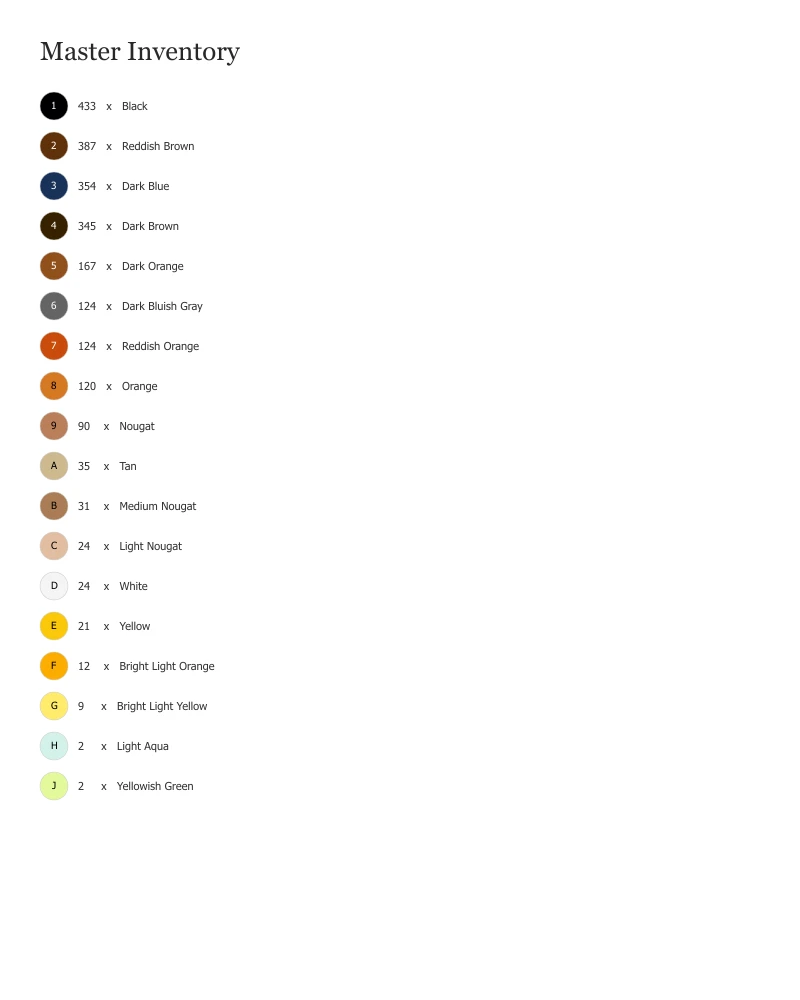
Parts list excerpt
The BMBrick PDF is a row-by-row build instruction where each row is color-coded with brick color names, counts per row, and a visual grid. The PDF covers all 48 rows of a 48x48 mosaic, includes a complete parts index, and is designed to be followed one row at a time without needing to count individual pieces beyond the current row. It is best read on a tablet or printed in color at A4/Letter size.
Quick Facts
| Photo type | Any mosaic — this case focuses on the PDF format and build process |
|---|---|
| Size | 48×48 — 48 instruction rows |
| Brick type | Square 1×1 plates (LEGO #3024) |
| Pieces | 2,304 |
| Cost | ~$138 via PAB — PDF is free with any BMBrick generation |
| Build time | 3–5 hours following the PDF row by row |
| Difficulty | Beginner |
| Output files | PDF, BrickLink XML, PAB CSV |
Photo Analysis
Subject Clarity
Subject chosen to produce a moderately complex color pattern in the PDF — enough variation to demonstrate the instruction format clearly.
Background
Background removed to keep the PDF manageable — fewer unique colors per row makes the instructions easier to follow.
Lighting
Good source photo lighting ensures that the PDF reflects meaningful visual structure rather than color noise.
Contrast
Standard contrast used. The color pattern in the PDF should look recognizable even before the mosaic is assembled.
Crop
Standard face-first portrait crop. The crop quality directly determines how recognizable the PDF grid looks before assembly.
Setup Choices
Size
48×48 produces a 48-row PDF — manageable in one session. Larger sizes produce proportionally longer PDFs.
Brick Type
Square plates. Round tiles produce the same PDF format but with different part numbers in the index.
Background
Background removed for cleaner row patterns. Rows with background content have more color variety per row, making them harder to follow.
Color Mode
16 active colors — shown in the PDF color legend. Each color has a unique visual indicator in the grid.
Cost Breakdown
| Metric | Value | Notes |
|---|---|---|
| Total pieces | 2,304 | All 1x1 plates or tiles |
| Cost estimate | ~$138 via PAB — PDF is free with any BMBrick generation | At .06/piece via LEGO PAB |
| Build time | 3–5 hours following the PDF row by row | Single builder |
| Sourcing | BrickLink, PAB, Webrick | Export available from BMBrick |
Lessons Learned
What Worked
- Row-by-row structure makes it easy to track progress and take breaks without losing place
- Color coding with brick color names reduces lookup time compared to numeric codes alone
- Parts index at the back of the PDF doubles as a pick list for organizing your pieces before building
What Did Not Work
- Printing in black-and-white loses the color differentiation — always use color printing or a tablet
- Very long PDFs (96x96 generates 96 rows) benefit from being split across multiple print sessions
Best For
- First-time LEGO mosaic builders who have never followed a row-by-row instruction
- Builders who prefer printed instructions over screen-based building
- Gift builds where the recipient will assemble from instructions themselves
The BMBrick PDF is designed to be followed row by row with color-coded visual grids — print in color or use a tablet, organize your pieces by color before starting, and build one row at a time. At 48x48 the entire build takes 3-5 hours following the PDF.