
Case Study — Workflow
BrickLink XML Export Workflow: Generate, Export, Import, Order
A complete end-to-end workflow from BMBrick mosaic generation to placing a BrickLink order — showing the XML export format, import process, and what to expect at each step.
Result Gallery

Original source photo
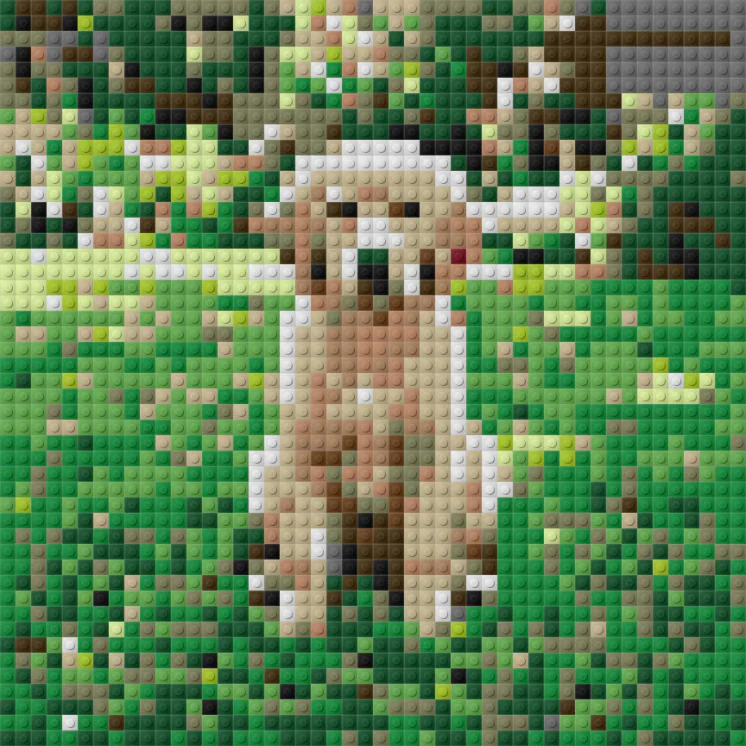
BMBrick mosaic preview
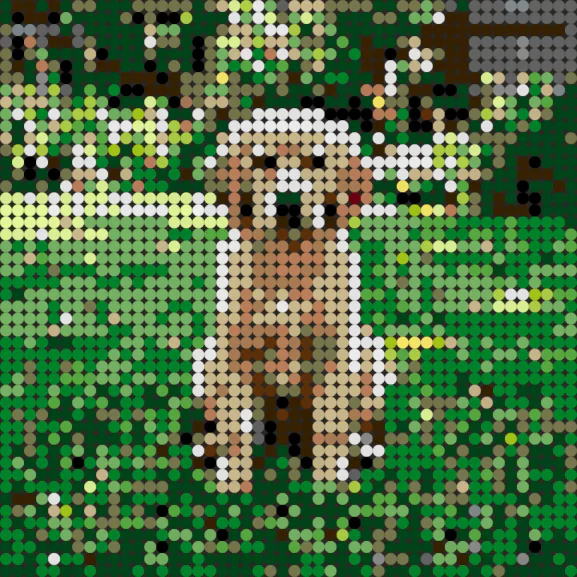
Round tiles preview
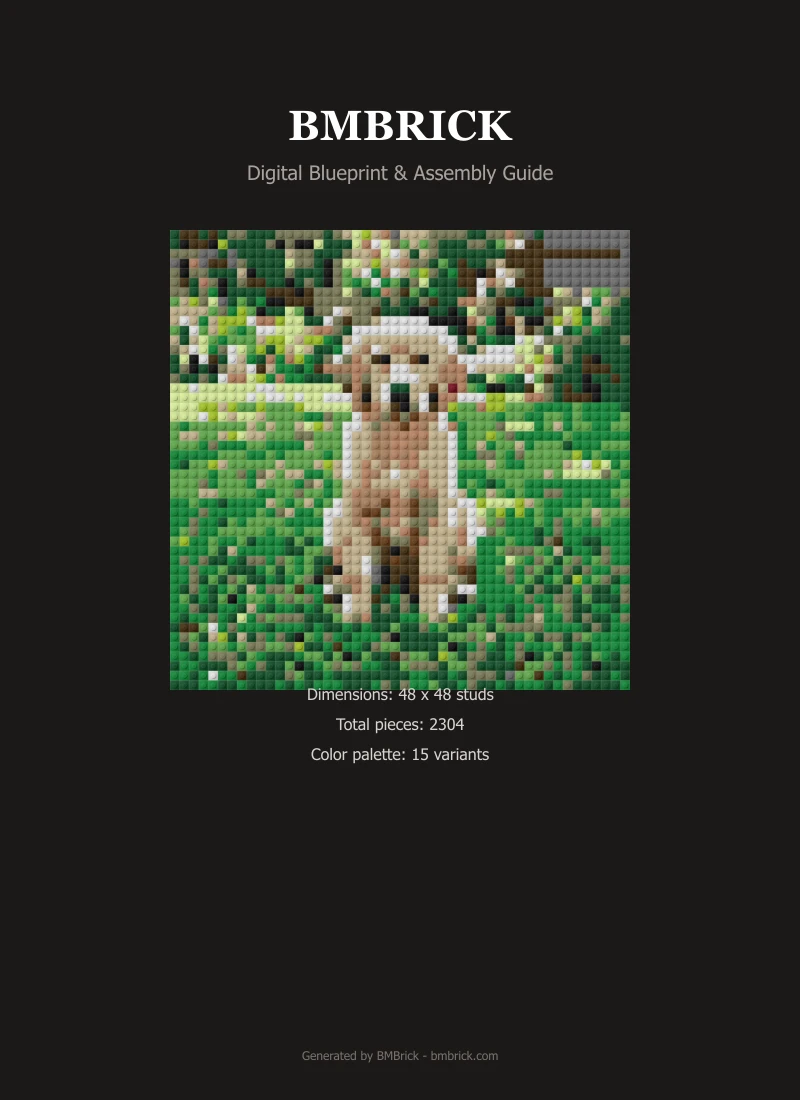
PDF instruction excerpt
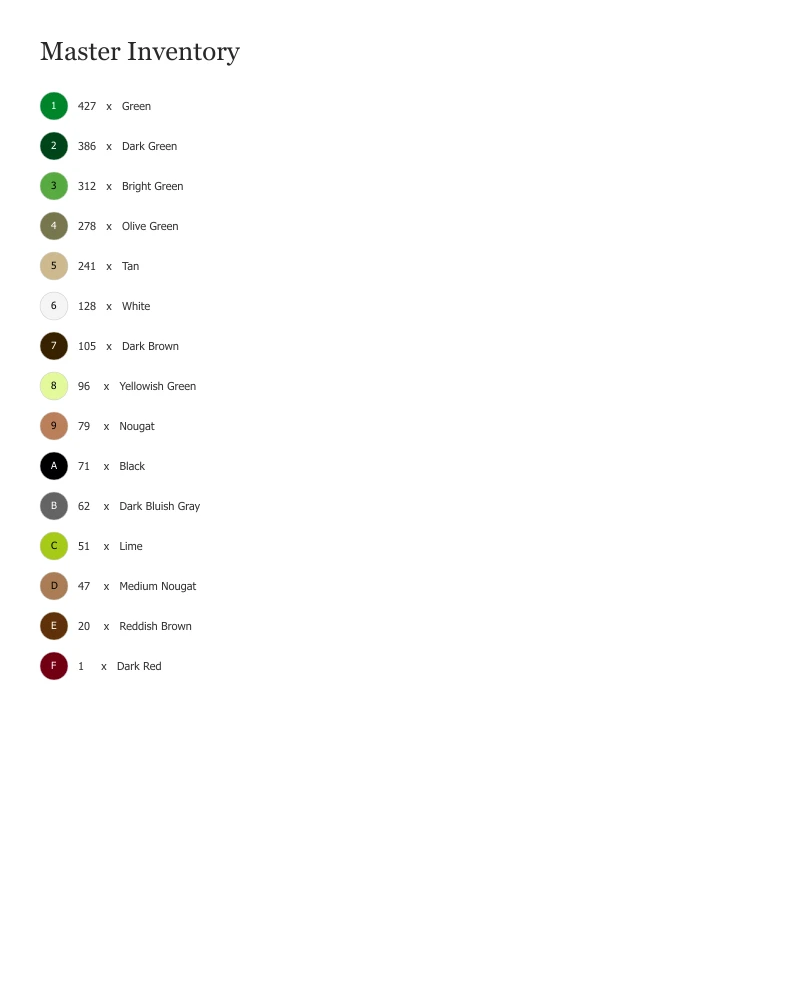
Parts list excerpt
BrickLink XML export from BMBrick gives you a machine-readable parts list that BrickLink's 'Want List' importer accepts directly. The process takes approximately 30 minutes from generation to placed order. This workflow uses 2,304 pieces for a 48x48 mosaic and is best for builders who want price comparison across multiple BrickLink sellers rather than a fixed PAB price.
Quick Facts
| Photo type | Any portrait — this case focuses on the ordering workflow |
|---|---|
| Size | 48×48 studs for workflow demonstration |
| Brick type | Square 1×1 plates (LEGO #3024) |
| Pieces | 2,304 |
| Cost | Varies by seller — typically ~$120 for 48×48 |
| Build time | 3–5 hours build time after parts arrive |
| Difficulty | Beginner |
| Output files | PDF, BrickLink XML, PAB CSV |
Photo Analysis
Subject Clarity
Subject clarity is secondary for this workflow case. A simple, clear portrait was used as the test mosaic to keep the output straightforward.
Background
Background removed to minimize color variety and simplify the parts list. Fewer colors mean fewer BrickLink lots to manage.
Lighting
Standard portrait lighting — not the focus of this case study. Lighting quality matters for the mosaic, but the XML export workflow is independent of photo quality.
Contrast
Standard portrait contrast used. The focus here is the export and ordering pipeline, not the rendering quality.
Crop
Face-first portrait crop. Kept simple to minimize the parts list complexity for tutorial purposes.
Setup Choices
Size
48×48 chosen as the most common starter size. The XML format and BrickLink import process is identical regardless of mosaic size.
Brick Type
Square plates only — round tiles have lower BrickLink availability for some colors and create more complex sourcing.
Background
Background removed to reduce unique color count from 18 to 14. Fewer colors means fewer BrickLink Want List lots and simpler ordering.
Color Mode
14 active colors. Intentionally kept low to demonstrate a manageable BrickLink order.
Cost Breakdown
| Metric | Value | Notes |
|---|---|---|
| Total pieces | 2,304 | All 1x1 plates or tiles |
| Cost estimate | Varies by seller — typically ~$120 for 48×48 | BrickLink price varies by seller and color availability |
| Build time | 3–5 hours build time after parts arrive | Single builder |
| Sourcing | BrickLink, PAB, Webrick | Export available from BMBrick |
Lessons Learned
What Worked
- XML import to BrickLink Want List works cleanly with no manual editing required
- BrickLink's AutoBuy feature can optimize your order across multiple sellers to minimize cost
- The XML file preserves color names that map directly to BrickLink color codes
What Did Not Work
- Some rare colors may have no BrickLink sellers — check availability before finalizing your color palette
- BrickLink shipping from multiple sellers adds cost — factor this into budget estimates
Best For
- Builders who want price control and comparison shopping across BrickLink sellers
- Orders with rare colors not available in LEGO PAB
- Large quantity orders where BrickLink bulk pricing beats PAB
BrickLink XML export from BMBrick is a direct 1-click workflow — export the XML, import it as a BrickLink Want List, run AutoBuy to optimize across sellers, and place your order. The entire process from generation to checkout takes under 30 minutes.